FurNote / Guides / pet medication reminder
How to Set Up Pet Medication Reminders in FurNote
FurNote's medication scheduling lives in the Medications tab. Pick how the medication is given, how often, and at what times, and FurNote reminds you automatically when each dose is due. Your vet sets the actual schedule; FurNote's job is to make sure you don't forget it. Confirm each dose as you give it to build a complete history you can export for your next visit.
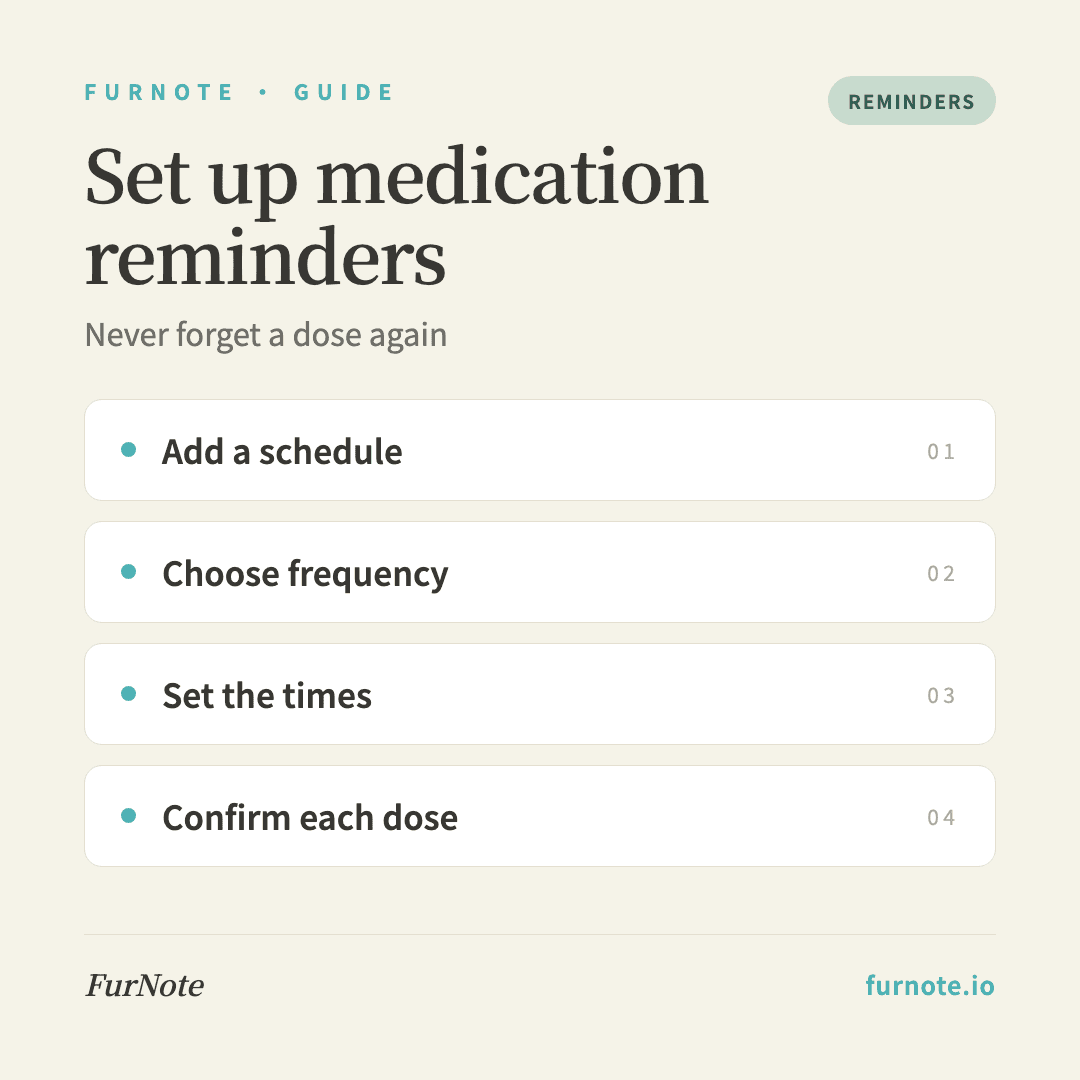
How To
Track it with FurNote, step by step
STEP 01
Open the Medications tab
Tap Medications in the main navigation (the pill icon) to reach the schedule list. The first time in, you'll see an empty state.
STEP 02
Add a medication schedule
Tap the plus button, enter the medication name, and choose the pet it's for. No pet yet? FurNote walks you through creating one first.
STEP 03
Choose how it's given and how often
Pick the method, mixed in food, syringe-fed, injection, topical, or oral, and the frequency: once, twice, or three times a day, or once every other day. Multi-dose frequencies open a time field for each dose.
STEP 04
Set the reminder times
Choose a time for each dose, say 8:00 and 20:00 for a twice-daily schedule. The first time, your device asks permission to send notifications. Allow it so reminders can reach you.
STEP 05
Confirm each dose when it's due
When the reminder arrives, open it and tap to confirm the dose. FurNote logs the actual time given, and over time that history can be exported before a vet visit to show how consistently doses were given.
STEP 06
Pause when needed
Going off a medication for a while? Open its schedule and switch off the Active toggle to stop reminders. All past records stay put. Switch it back on when you resume.
FAQ
Frequently asked
- Do I need Pro for this?
- No. Medication scheduling is free. Pro adds things like unlimited pets, family sharing, attachments, and email summaries, but reminders work on the free plan.
- Why isn't there a weekly option?
- FurNote's medication frequencies cover daily (once, twice, or three times) and every other day. For longer cycles, like a monthly or weekly spot-on, your phone's built-in reminders app handles the wide interval better.
- Notifications aren't showing up. What do I check?
- Make sure notifications are allowed for FurNote in your device settings, including banners and the lock screen. A focus or do-not-disturb mode can silence them, so add FurNote to the allowed list if you use one.
- Will reminders adjust when I travel across time zones?
- Reminders fire based on your device's current time zone. A dose set for 8:00 will alert at 8:00 local time wherever you are. If you'd rather it not shift, pause the schedule on your travel day.
- How do I pause a medication temporarily?
- Open the schedule and turn off the Active toggle. Reminders stop and all past records are kept. Switch it back on when you resume.
Start tracking
Download FurNote and set up your pet's health record in a minute
Last updated: 2026-07-20