FurNote / Guides / FurNote import backfill
FurNote Has No Import Feature — How to Backfill Old Records by Hand
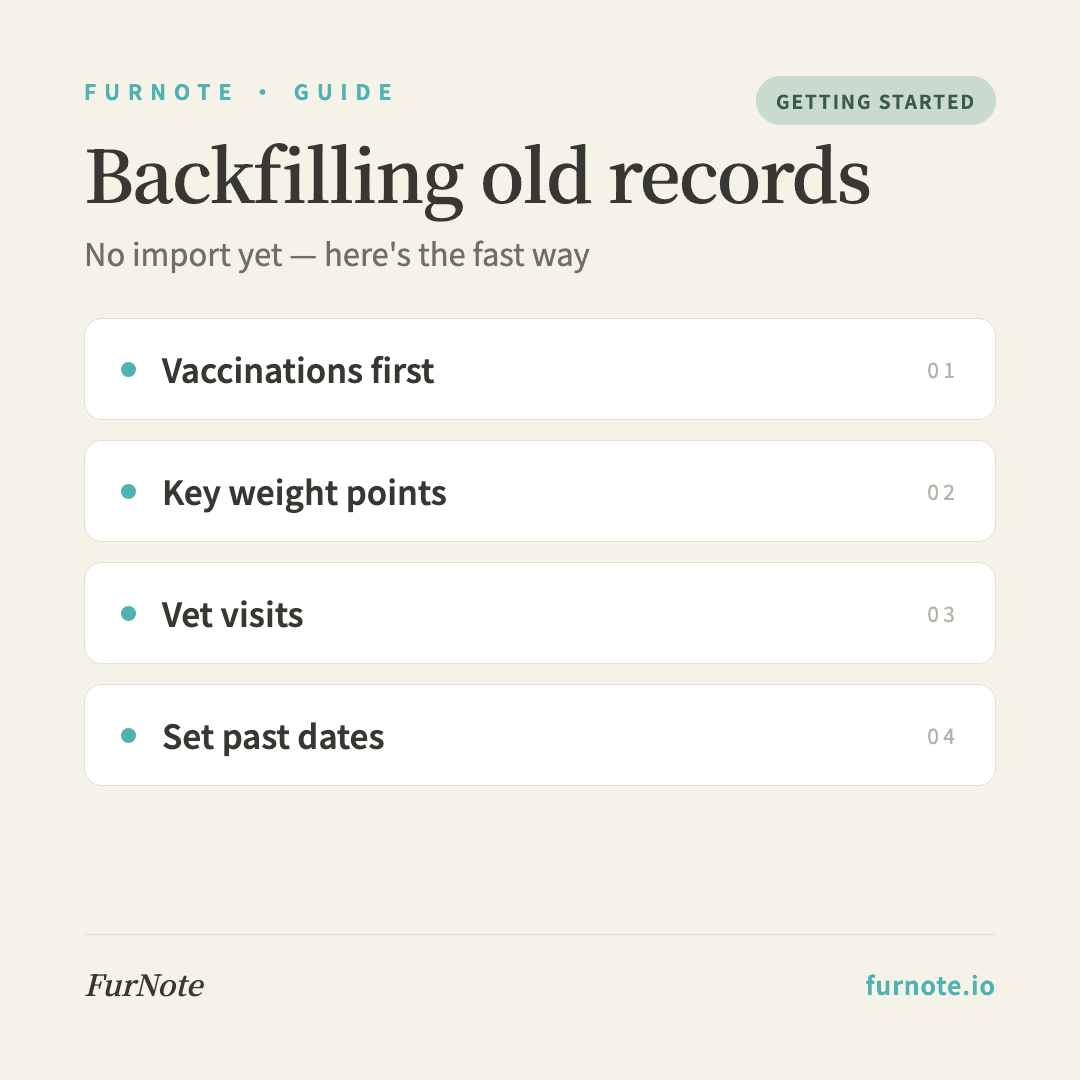
FurNote doesn't have an automatic import — you can't pull data straight in from another pet app, a spreadsheet, or paper notes. But every record type's date field lets you enter a past date, so you can backfill your history by hand. Focus on five types first: vaccinations, weight, vet visits, medication history, and any notable symptoms.
How To
Track it with FurNote, step by step
STEP 01
Priority 1: Vaccinations
Under Records → Vaccinations, add each entry with the vaccine name, the date given, the next-due date, and the clinic. Copy from a paper vaccine card or your clinic's history. If a date is uncertain, a reasonable estimate is fine.
STEP 02
Priority 2: Key weight points
Backfill at least the past 6–12 months of weight — you don't need every month, just 3–4 meaningful points (for example, '4.2 kg six months ago,' '4.0 kg three months ago,' '3.8 kg last month'). This gives you a baseline for spotting trends later.
STEP 03
Priority 3: Vet visits
Under Records → Vet visits, backfill the past year: clinic name, diagnosis, prescription, and date. The payoff is being able to hand a new vet your full history the moment you switch clinics.
STEP 04
Priority 4: Medication history
You don't need every dose — but list the medications your pet has taken so you can avoid repeat reactions. Note past medications in a reminder's notes field, or in the prescription field of a vet-visit record.
STEP 05
Priority 5: Notable symptom events
Add only the clear events you still remember, like 'a week of diarrhea in June' or 'an ear infection last winter.' Record the symptom type, duration, and notes so you have a reference if it recurs.
FAQ
Frequently asked
- Why doesn't FurNote have an import feature?
- Two reasons: (1) data structures differ too much between apps and spreadsheets, so automatic mapping is error-prone, and (2) early on we prioritized getting the core experience right. It may come later — if it matters to you, email [email protected] and let us know.
- What about uploading a CSV or Excel file?
- Not supported today — manual backfill is the only route. For a lot of old data, we suggest: backfill vaccinations and vet visits first (they affect future decisions), add just the key weight points, and skip routine diet and litter history (you don't need a baseline there to start fresh from today).
- How do I set a past date when backfilling?
- Each form's date field is a date-time picker that accepts any past date. When you open a new record it defaults to now — just scroll back to the correct date and time, then save.
- How long does backfilling take?
- It depends on volume. We suggest spreading it out: vaccinations one day (10–15 minutes), weight history the next (5 minutes), vet visits after that (15–20 minutes). Doing it all in one sitting invites fatigue and mistakes.
- What do I enter when a date is uncertain?
- Use a reasonable estimate and note 'date approximate' in the notes field. For example, 'an ER visit sometime in spring 2025' could be entered as 2025-04-15 with a note. Every record is editable, so you can correct it later when you find the paperwork.
Start tracking
Download FurNote and set up your pet's health record in a minute
Last updated: 2026-07-20