FurNote / Guides / multiple pets medication reminders
Managing Medication Reminders for Multiple Pets in FurNote
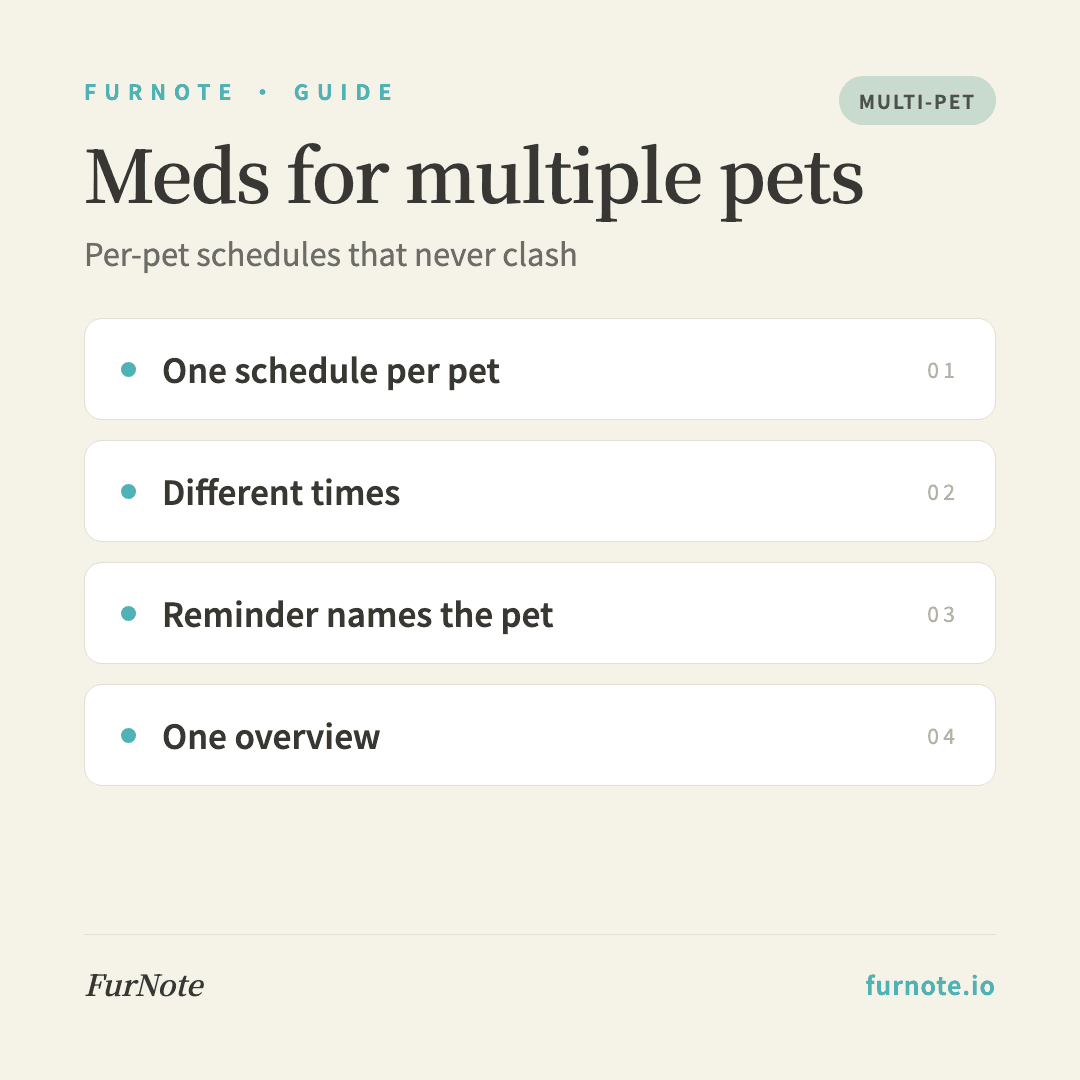
FurNote's medication reminders are designed to be per pet: every schedule is tied to a specific pet, so one cat's twice-daily routine and another dog's once-daily supplement never interfere with each other. When a reminder fires, it tells you which pet it is for, which helps avoid giving the wrong medication to the wrong animal. FurNote is a record-keeping and reminder tool; it does not provide medical or dosing advice, so the schedule you set should follow what your vet has prescribed. Managing more than one pet requires the Pro plan.
How To
Track it with FurNote, step by step
STEP 01
Confirm you are on Pro (needed for multiple pets)
The free plan manages one pet. Two or more requires Pro (about US$3.99/month or US$39.99/year). Upgrade from Settings, then Plan.
STEP 02
Add the first pet's schedule in the Medications tab
Go to the Medications tab, tap the plus button, and choose the pet in the first field (for example, Oreo). Fill in the medication name, method, frequency, and time, then save.
STEP 03
Add the second pet's schedule
Repeat the process, but select a different pet this time. You can set different times, for example Oreo's dose at 8am and the second pet's at 9pm, and the two schedules will not clash.
STEP 04
Reminders identify which pet
When a reminder appears, it shows the pet's name alongside the medication (for example, 'Oreo, thyroid medication'), so there is no confusion. If two pets are due at the same time, you will get a separate reminder for each.
STEP 05
See every pet's schedule in one overview
The Medications tab shows a combined list of all pets and all medications, sorted by time, with the next dose clearly displayed. When you have given a dose, mark it as done manually.
FAQ
Frequently asked
- How many medications can one pet have at once?
- There is no limit. If one pet is on three different medications, create three separate schedules. Each one sends its own reminder independently.
- If two pets are due at the same time, will the reminders clash?
- No. Each reminder is independent, so you will see one for each pet (for example, one for Oreo's medication and one for the other pet's joint supplement). They will not be merged together.
- One of my pets has passed away. How do I handle their medication schedule?
- You have two gentle options. You can delete the pet, which automatically removes all records and schedules tied to them, including medications. Or you can keep the pet's profile and disable the individual schedules, preserving the records as a memory. The choice is yours.
- My vet changed the medication. What do I do?
- Open the existing schedule and edit the name, method, and frequency, then save. Alternatively, disable the old schedule and add a new one, which preserves the history. The second approach is often better, because at your next visit your vet can see both the point of the change and how your pet responded.
- Can family members help give medications while I travel?
- Yes. Reminders are registered per device, so each family member should install FurNote, join via Family Sharing (Pro), and they will each receive the reminders on their own phone. That way, whoever is caring for your pet gets prompted at the right time.
Start tracking
Download FurNote and set up your pet's health record in a minute
Last updated: 2026-07-20