FurNote / Guides / family pet care sharing
Sharing Pet Care Across the Family, Even With Less Tech-Savvy Members
When a pet is cared for by several people — a partner who feeds in the morning, a parent home during the day, a teen after school — it's common that only one person is comfortable keeping records in an app. You don't need everyone on FurNote. The trick is to let the app-savvy person be the record keeper who collects everyone's observations, while others report the way they already do: a quick text, a note on the fridge, or a word in passing. Here are three practical setups.
How To
Track it with FurNote, step by step
STEP 01
Setup A: You be the record keeper
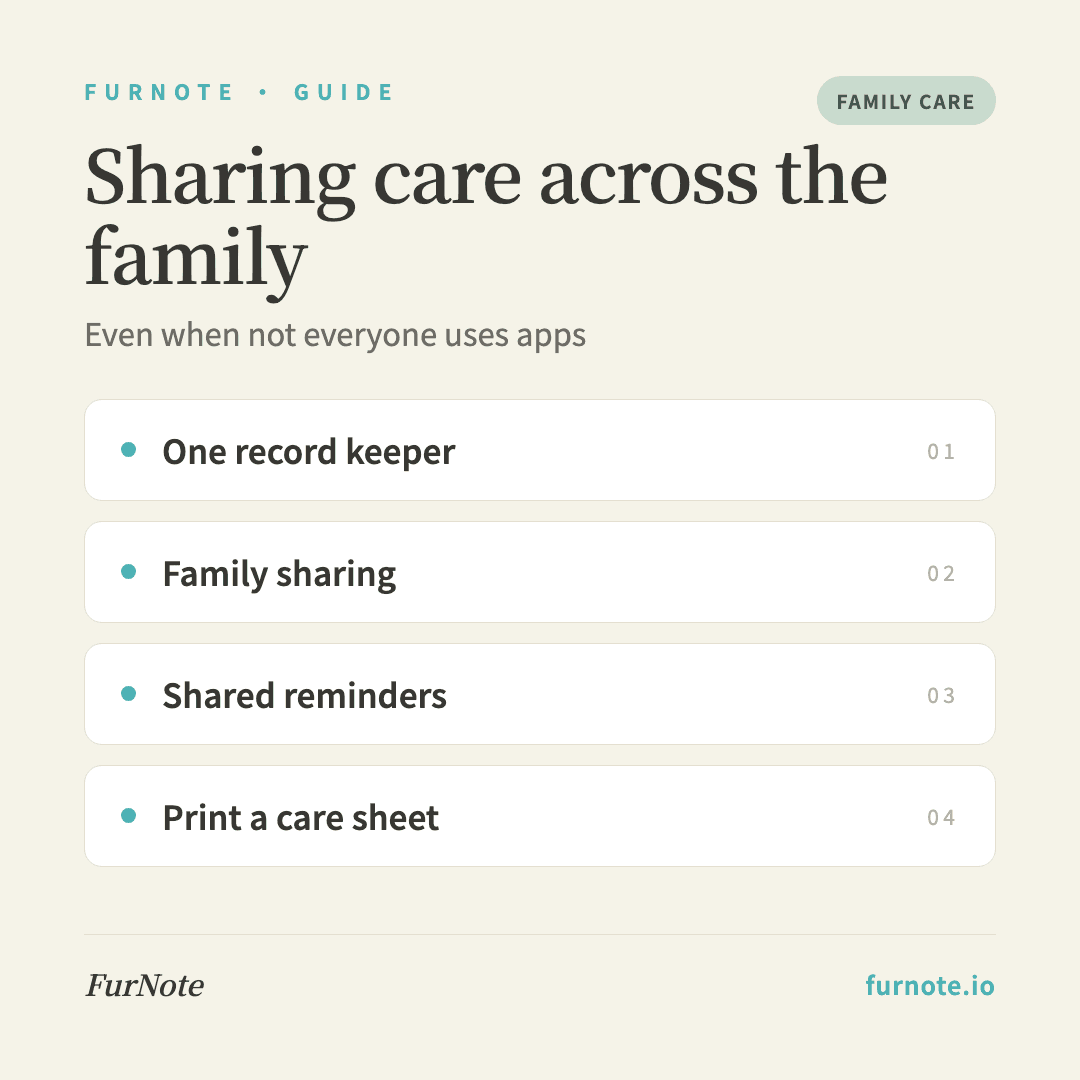
One person keeps the app; everyone else just observes and reports. Others only need to remember three things — how many meals, any vomiting, was the poop normal — and pass it along by text or in person. You enter it into FurNote once in the evening, so no one else has to install anything.
STEP 02
Setup B: Family Sharing plus shared reminders
For members who are comfortable with a smartphone, use FurNote's Family Sharing (Pro) so they can log records directly and everything syncs in real time. For those who aren't, put medication reminders in a shared list in Apple's Reminders app — they'll get the alert without opening FurNote — and you enter the actual dose into FurNote later.
STEP 03
Setup C: Print a daily care sheet
Export this week's medication schedule from FurNote as a PDF, print it, and stick it on the fridge. Each person checks off what they've done, and in the evening you transfer the ticks into FurNote. Fully offline, zero learning curve — ideal for the least tech-comfortable members.
STEP 04
Agree on who owns the record
Set the expectation up front: 'I'll keep everything in one place and ask when I need details.' That avoids anyone feeling nagged. Family Sharing doesn't require every relative to join — one person can hold the complete record and use the methods above to stay in two-way sync with everyone else.
STEP 05
Bring the full PDF to the vet
Even if someone else takes the pet to the vet, your FurNote PDF is the gold-standard handover. Export and print the past month, or have it open on a tablet, so whoever goes can show the vet exact records instead of describing them from memory.
FAQ
Frequently asked
- A relative feels 'monitored.' How do I handle it?
- Reframe it: 'I'm not checking up on you — we're writing it down together so the vet can help.' People are usually happy to report for the pet's health but dislike feeling watched. It also helps to track only the important events (medications, vomiting, weight) rather than every gram of food, which lowers the reporting burden.
- Can kids use FurNote too?
- Yes, through Family Sharing (a Pro feature) with their own account. A few tips: keep it to older children who understand why you're recording, review their entries for accuracy, and treat FurNote as a digital diary of time with the pet — encourage photos and notes to build their involvement.
- My relative can't remember to report.
- Physical prompts work best: a small whiteboard in the kitchen with one line a day (date / meals / poop normal? / vomiting?), an old-fashioned paper notebook in a fixed spot, or a home-screen shortcut straight to FurNote's add-diet-record screen so even a reluctant user is one tap away.
- Someone else is caring for the pet for a week or two.
- That's the time to actually add them to Family Sharing. On Pro, family members don't pay extra, and records sync instantly. Everything they enter shows up for you, so when you're back you can open the dashboard and see exactly what happened.
- A relative has their own pet they'd like to track.
- Set them up with a free account and one pet, and offer to summarize the week's records for them each weekend. They don't have to learn the app — they just tell you what happened. The free plan includes all eight record types and PDF export, so the report they bring to the vet looks just as thorough as Pro.
Start tracking
Download FurNote and set up your pet's health record in a minute
Last updated: 2026-07-20