FurNote / Guides / FurNote iOS notifications
FurNote iOS Notifications Not Showing? A Troubleshooting Guide
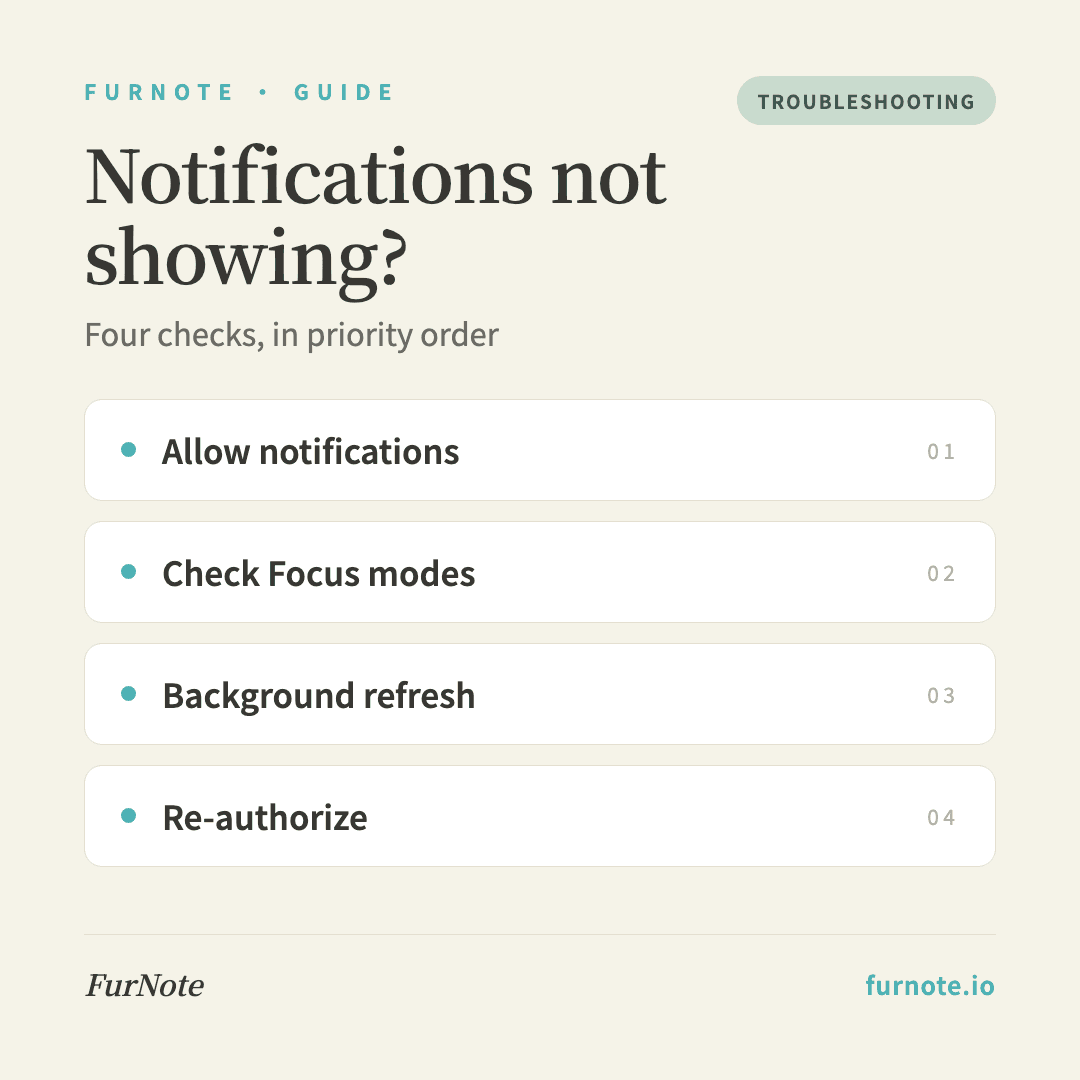
You set a medication schedule in FurNote but the iOS notification never appears? It's almost always one of four things: (1) you didn't tap Allow when FurNote first asked for notification permission, (2) a Focus mode is silencing FurNote, (3) Background App Refresh is off, or (4) the schedule didn't save. Work through the checks below in order — the first one fixes most cases.
How To
Track it with FurNote, step by step
STEP 01
Check 1: Settings → Notifications → FurNote
Open Settings → Notifications, scroll to FurNote, and confirm Allow Notifications is on, that Lock Screen, Notification Center, and Banners are all ticked, that Sounds is on, and that Badges is on. If FurNote isn't in the list at all, jump to Check 5 to re-trigger the permission prompt.
STEP 02
Check 2: Focus modes
Open Settings → Focus and check each mode you use (Do Not Disturb, Work, Sleep). Under Apps, make sure FurNote is on the Allowed list — or, if you use the Silenced list, that FurNote isn't on it. Sleep Focus is the most common culprit for missed overnight reminders.
STEP 03
Check 3: Background App Refresh
Open Settings → General → Background App Refresh and turn it on for FurNote. Local notifications fire without background processing, but enabling this avoids a few edge cases.
STEP 04
Check 4: Confirm the schedule actually saved
Open FurNote's medication tab and confirm your new reminder appears in the list and its toggle is on (green). If the list is empty, the form didn't save — create the reminder again and watch for the confirmation.
STEP 05
Check 5: Re-authorize notifications
If everything above looks right but reminders still don't arrive, the iOS permission cache may be stale. Delete FurNote, reinstall it from the App Store, and tap Allow when the notification prompt appears on first launch. Then set your schedules again — your records sync back automatically.
FAQ
Frequently asked
- The notification appears but there's no sound. What now?
- Check three things: (1) whether your iPhone's silent switch is on, (2) that Settings → Notifications → FurNote → Sounds is enabled, and (3) your ringer volume under Settings → Sounds & Haptics — media volume is separate from ringer and notification volume.
- My phone was charging on the nightstand and I missed a reminder.
- That's usually Sleep Focus behaving as designed. Go to Settings → Focus → Sleep → Apps and allow FurNote. As a backup for critical doses, you can also add the reminder to Apple's built-in Reminders or Health/Medications app.
- Will the reminder fire if the app is in the background?
- Yes. Local notifications don't need FurNote in the foreground. iOS delivers them at the scheduled time even if FurNote is fully closed — unless you never granted notification permission or a Focus mode is silencing it.
- Why are notifications sometimes a few minutes late?
- Low Power Mode delays non-urgent notifications. Check whether your iPhone is in Low Power Mode (the yellow battery icon). For time-critical medications like insulin, pair FurNote with a repeating alarm in Apple's Reminders app as a backup.
- Does Android have the same issue?
- Yes, and it's often trickier. Each manufacturer (Samsung, Xiaomi, and others) has its own battery optimization that can kill background apps. On Android, go to Settings → Apps → FurNote → Battery and set it to Unrestricted.
Start tracking
Download FurNote and set up your pet's health record in a minute
Last updated: 2026-07-20