FurNote / Guides / share pet care with family
Invite Family to Help Care for Your Pet: FurNote Family Sharing (Pro)
Family Sharing is a Pro feature. Once a Pro account invites a family member, that person does not need to pay for Pro themselves — they just create a FurNote account and accept the invite. A single pet can have several caregivers, and everyone can add records and see the same charts and health alerts.
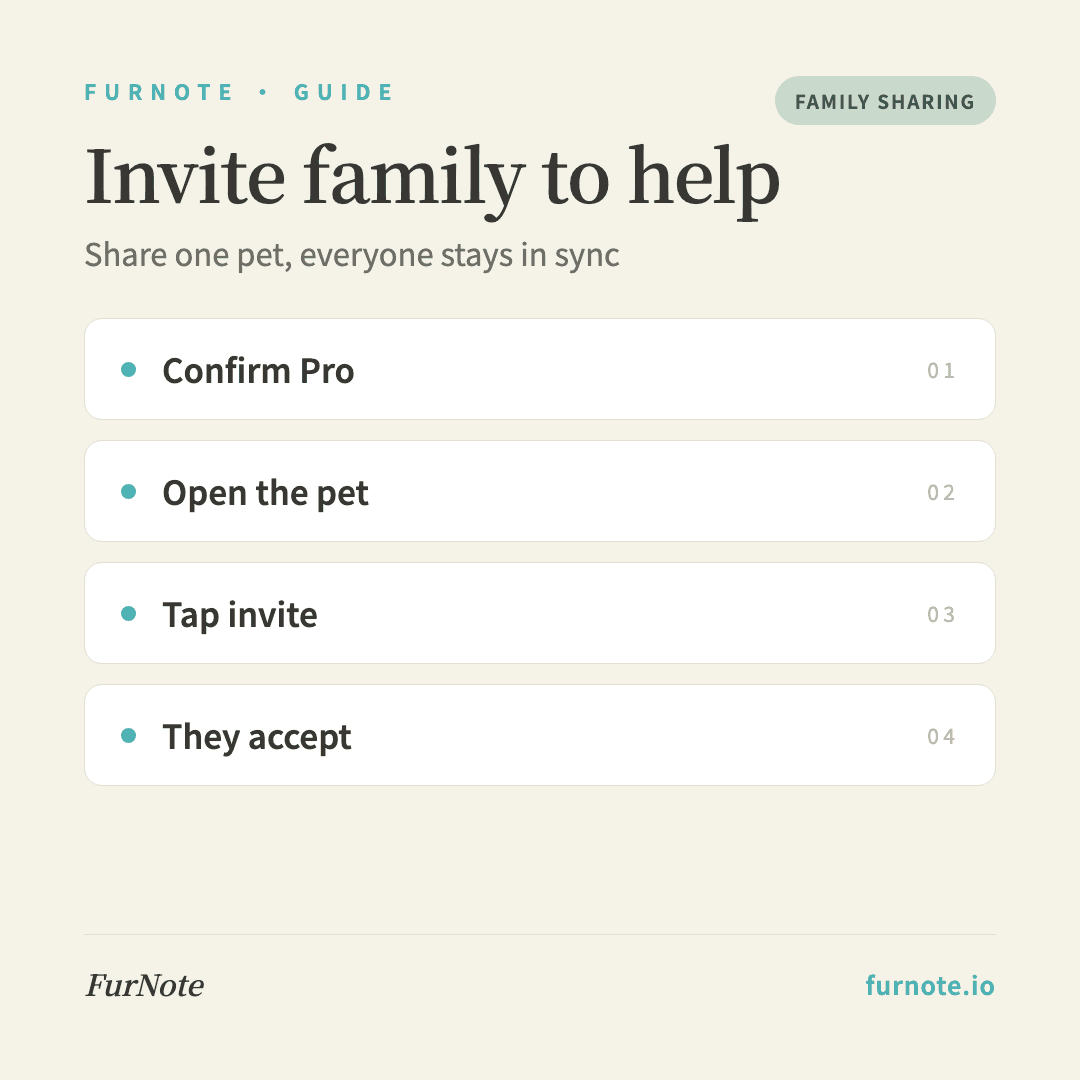
How To
Track it with FurNote, step by step
STEP 01
Confirm you're on Pro
Family Sharing is a Pro feature. Go to Settings → Plan to check that Pro is active; if not, you can upgrade from the App Store, Google Play, or the web. Pro is about US$3.99/month or US$39.99/year.
STEP 02
Open the pet's detail page
Go to the Pets tab, select the pet you want to share, and open its detail page. You'll find a Members section further down.
STEP 03
Tap Invite
In the Members section, tap Invite. FurNote creates an invite link and opens your device's share sheet so you can send it via Messages, email, or any app. If the share sheet isn't available, the link is copied to your clipboard, or shown in a dialog with a copy button.
STEP 04
Your family member accepts
They open the link, sign up or log in to FurNote, and automatically become a caregiver for that pet. They don't need their own Pro — your Pro account covers them.
STEP 05
Everyone records together
Once they've joined, all members can add diet, weight, excretion, symptom and vet-visit records, and everything syncs in real time. To remove someone later, open the Members section and remove them.
FAQ
Frequently asked
- Do family members pay for Pro too?
- No. Pro works like a household plan — one Pro account covers everyone you share a pet with. Family members only need a free FurNote account to join.
- How many people can share one pet?
- There's no practical limit for a household — you can add as many caregivers as you actually need.
- Can family members invite other people?
- No. Only the pet owner (the original inviter) can add new members, which keeps the invite chain from spreading. Other members have permission to read and write records only.
- How long does a family member have to accept?
- Invite links don't expire, though it's best to accept promptly. If someone forgets, the pet owner can see the pending invite in the Members section and resend it.
- How do I remove a family member from a pet?
- Open the pet's detail page → Members section → tap remove next to that person. Once removed, they can no longer view or edit that pet's records. (Note: for Free users, the Invite entry shows a lock icon and an upgrade prompt.)
Start tracking
Download FurNote and set up your pet's health record in a minute
Last updated: 2026-07-20