FurNote / Guides / export pet records pdf
30-Second Vet Prep: Export Your Pet's Health Records as a PDF
At the vet, saying 'he's been eating less and looks a bit thinner' leaves your vet guessing. FurNote's PDF export turns your notes into evidence: pick from 8 record types (diet, excretion, symptoms, vet visits, vaccines, parasite prevention, long-term care, weight) and a date range (7, 30, or 90-day quick picks, or a custom range), and FurNote generates one structured report — including the weight trend chart, a medication table, and a chronological symptom log. The report is bilingual (English and Chinese), so an English-speaking vet or a clinic abroad can read it directly. PDF export is available on both Free and Pro.
How To
Track it with FurNote, step by step
STEP 01
Open the export page
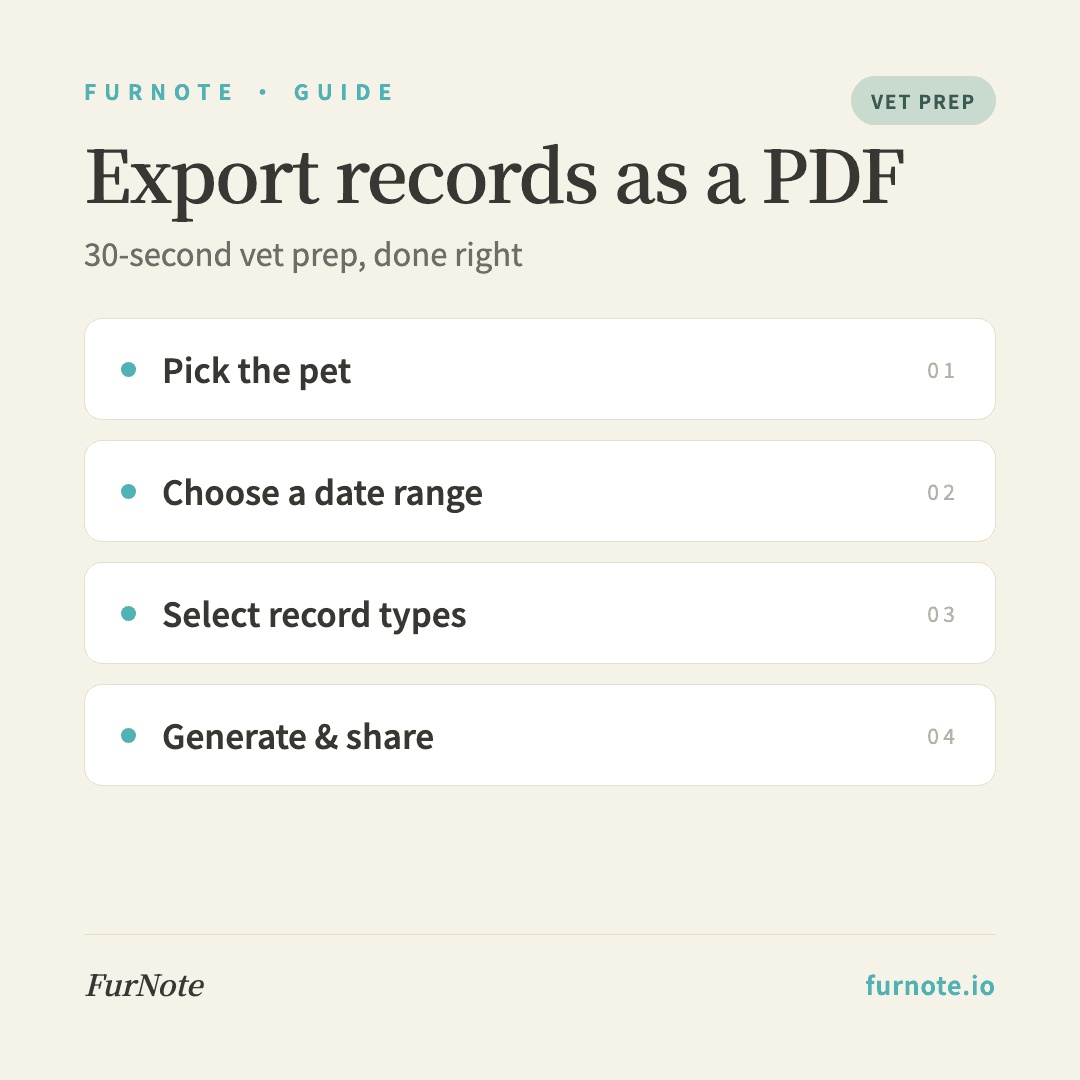
Go to the main menu and tap Export, or Settings → Export Health Records.
STEP 02
Choose which pet
Pick the pet whose records you want at the top of the page. Each PDF covers one pet — export others separately so the histories stay clean.
STEP 03
Pick a date range
Use one of the quick picks — last 7, 30, or 90 days — or set a custom range if you want a longer view, such as a senior cat's weight over the past year.
STEP 04
Select which record types to include
Tick any of the 8 modules: diet, excretion, symptoms, vet visits, vaccines, parasite prevention, long-term care, and weight. Before a vet visit, selecting all of them gives your vet the full picture.
STEP 05
Generate and share
Tap Generate PDF. Once it's ready you can preview it on your phone, email it to your vet, AirDrop it, or print it.
FAQ
Frequently asked
- Can I export several pets in one PDF?
- Each PDF covers one pet, so different animals' data never gets mixed together. Export them separately — it's also clearer for your vet when reviewing one pet at a time.
- How long does the PDF take to generate?
- Usually 5–15 seconds, depending on the date range and how many records there are. A 90-day export with every module selected is typically still under 30 seconds.
- Does the PDF include photo attachments?
- Photos attached to symptom records are embedded in the PDF (attachments are a Pro feature). Text records are always included, on both Free and Pro.
- Can I email it straight to my vet?
- Yes. After generating, tap Share → choose your email app → enter the clinic's address. Most clinics are happy to receive a history summary before the appointment.
- Is the exported PDF stored in FurNote's cloud?
- No. Each PDF is generated on demand and isn't cached on the server. Your original records always stay in your synced FurNote database.
Start tracking
Download FurNote and set up your pet's health record in a minute
Last updated: 2026-07-20