FurNote / Guides / sync pet records across devices
How FurNote Syncs Across iPhone, iPad, Android, and Web
FurNote syncs in real time across three platforms: the iOS app, the Android app, and the web (furnote.io in any browser). The backend is Supabase Postgres with Row Level Security, so every write syncs instantly. Log a meal on your phone and it shows up on an iPad or a computer within a second or two. Here's how each device fits into a real routine.
How To
Track it with FurNote, step by step
STEP 01
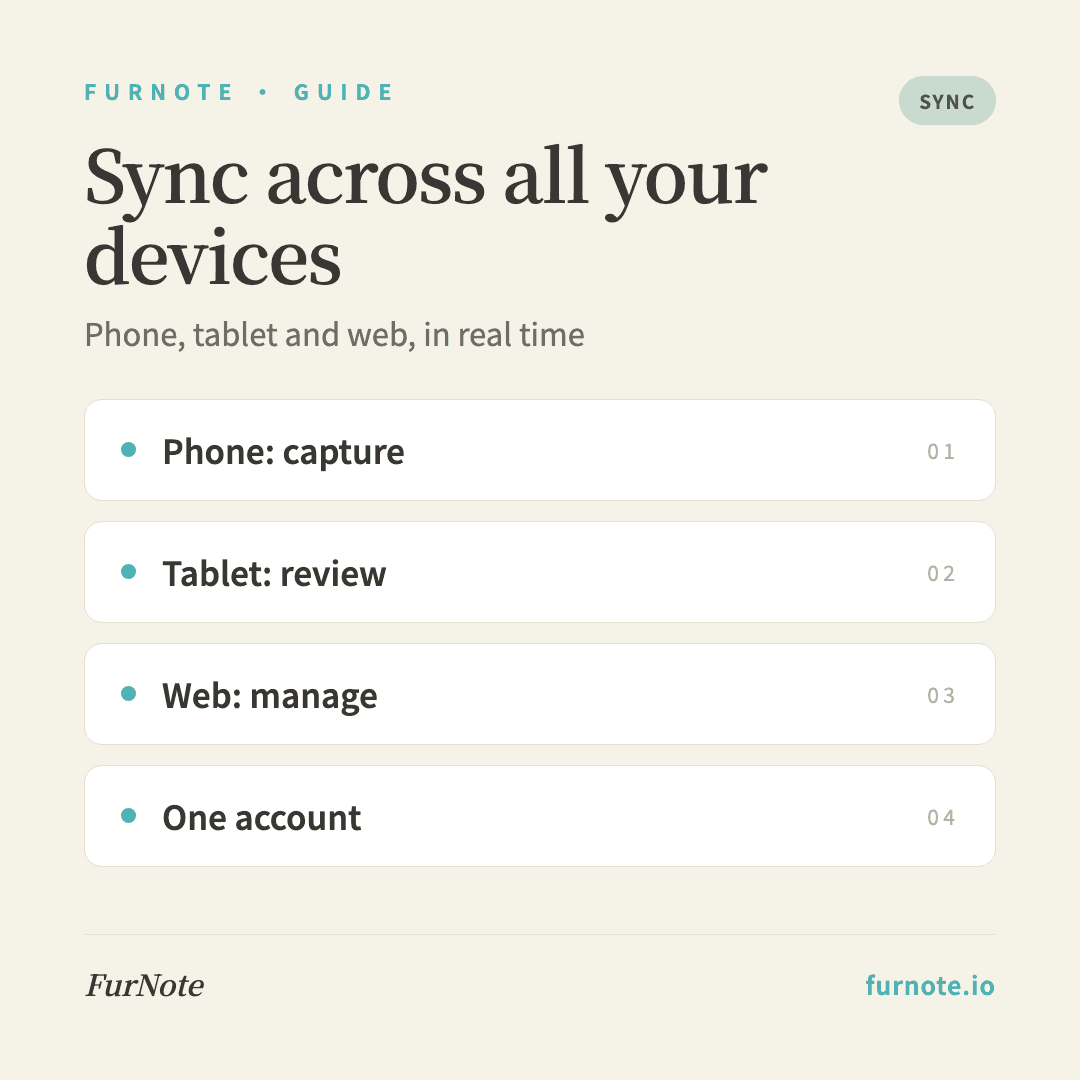
Phone: your everyday capture device
Your phone is what's usually with you when you're next to your pet. It's ideal for logging each meal (30 seconds), confirming medication reminders, snapping a photo for an excretion or symptom record on the spot, and capturing anything urgent as it happens.
STEP 02
Tablet: reviewing trends and tidying records
A larger screen is better for reviewing: the weight trend chart over several months, the dashboard's health alerts, going back to edit details in past records, and letting an older family member check on things with bigger text. A tablet stays fully in sync with your phone — no extra setup.
STEP 03
Web (Mac or PC): managing and exporting
The web version at furnote.io is best for bulk entry of historical records (a keyboard is faster), preparing and printing PDF exports before a vet visit, managing multiple pets on one screen, and sending family-sharing invites by copying a link or writing an email.
STEP 04
Switching between devices
Sync is effectively instant, with a 1–2 second delay. If you just wrote something on your phone, refreshing on a tablet should show it right away. Records you create offline sync automatically once you're back online — nothing is lost.
STEP 05
One account across every device
Logging in with the same email on different devices means the same account — Supabase treats the same email as the same user, so every device shows identical pets, records and settings. Family members are different accounts sharing the same pet, which is distinct from one person on multiple devices.
FAQ
Frequently asked
- Can I use FurNote offline?
- Mostly, yes. You can browse past records offline, and you can create most new records while offline too — they'll sync automatically the moment you're back online, so nothing gets lost.
- Do both my iPad and iPhone get push notifications?
- Yes. iOS notifications are registered per device, so if FurNote is installed and logged in on both, both will get the reminder. If you'd rather your iPad stay quiet, just turn off FurNote notifications in the iPad's settings — your iPhone will still alert you.
- Is the web version slower than the app?
- Not by much — all three platforms share the same backend API. The main difference is notifications: the web can't send iOS push notifications, so reminders come through email instead. Entering and viewing records feels much the same.
- Can I import data from another app?
- There's no automatic import right now. The fastest approach is to backfill your history by typing it into the web version, which is much quicker than on a phone.
- How many devices can use one account at the same time?
- There's no limit — iPhone, iPad and a Mac can all be logged in at once, and everything stays in sync. If you want another person (like a partner) to help, we recommend using Family Sharing to invite them to their own account, which keeps roles and permissions clearer over time.
Start tracking
Download FurNote and set up your pet's health record in a minute
Last updated: 2026-07-20