FurNote / Guides / switching vets pet records
Switching Vets Without the Hassle: Hand Over Records with a FurNote PDF
Switching clinics often stalls on the same problem: you can't quite remember what was treated last time, which medication didn't work, or what caused a bad reaction — so the new vet starts from scratch. FurNote is built for this moment: 8 record types plus PDF export give you a portable pet history you can hand to any new vet. Here's how to do the handover efficiently.
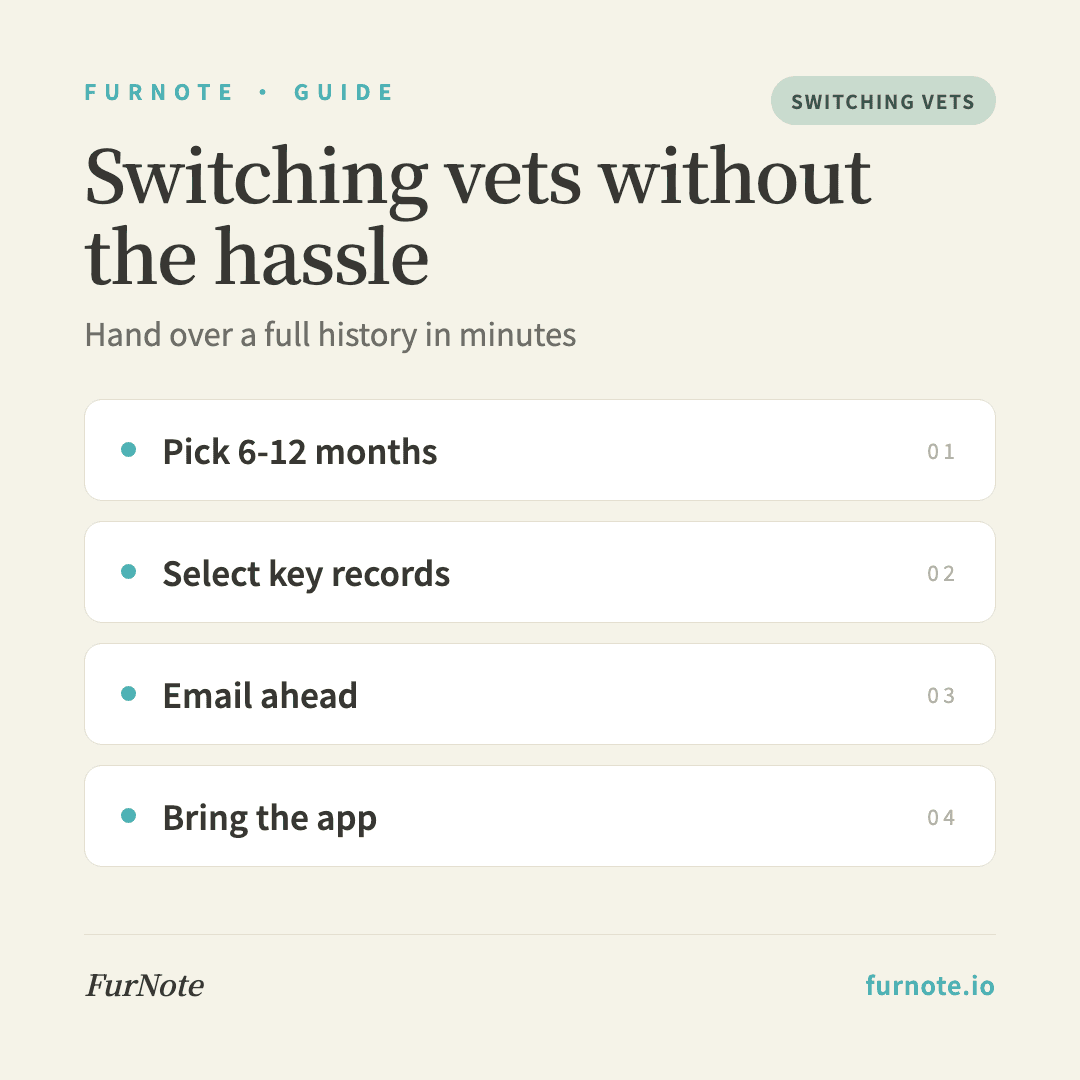
How To
Track it with FurNote, step by step
STEP 01
Decide the date range to export
A new vet usually only needs the last 6–12 months. Older records (from three years ago) rarely come up. Use the custom date range on the Export page to set any start point.
STEP 02
Select the key record types
Include all 8 modules: weight; vet visits (past diagnoses); vaccines (with next-due dates so the new vet knows what's coming up); parasite-prevention schedule; medication history; symptoms; excretion; and diet changes.
STEP 03
Generate and save the PDF
Tap Generate PDF, wait a few seconds depending on the volume, then save it to your phone, iCloud Drive or Google Drive. Naming it something like 'Milo-history-2026-06.pdf' makes it easy to find later.
STEP 04
Email the clinic before the visit
A day or two before the first appointment, email the new clinic's front desk: 'I'm booked for [date/time]; attached is my pet's history from the past year — please have a look beforehand.' This can save 15–20 minutes of intake and lets the vet focus on what matters.
STEP 05
Bring the app to the appointment
Even after emailing, keep FurNote open on your phone during the visit so you can answer follow-ups precisely — 'which medication, and for how many days in March?' or 'what did the most recent vomiting look like?' A specific, timestamped answer is far more useful than 'a while ago, I think.'
FAQ
Frequently asked
- Why do people switch vets?
- Common reasons: moving house and the old clinic is now far away; not being satisfied with a diagnosis or outcome; needing a specialist (dermatology, cardiology, behavior); cost; or simply wanting a vet who's a better fit for your pet's temperament. The first three especially benefit from a complete history so the new vet doesn't repeat tests unnecessarily.
- How do I choose a new vet?
- A few things to weigh: recommendations from friends or owners of the same breed are often the most reliable; check the clinic's website for the vets' backgrounds and specialties; read reviews for signs they take time to explain things and don't over-sell tests; and for a pet with a chronic condition, look for someone experienced with it. Booking an initial consult first — no bloodwork required — is a good way to feel it out.
- Will my old vet give me the records?
- You're generally entitled to a copy of your pet's medical records — you may just need to ask directly. Call the clinic and request a copy of the medical history for your pet; most will prepare it, sometimes for a small copying fee.
- Is the FurNote record enough, or do I still need the clinic's records?
- FurNote captures what you observe — medication dates, weight, symptom notes, visit dates and diagnoses. But what the vet measured directly (blood values, X-rays, ultrasound results, exact drug names and doses) only lives in the clinic's records. Bring both: the FurNote PDF plus a copy of the clinic's records gives the new vet the most complete picture.
- What are the common pitfalls when switching?
- Three to avoid: not knowing the generic names of medications already used (a new vet could prescribe something duplicative or conflicting); forgetting to mention a past allergic reaction (search your FurNote symptom records for 'allergy' or 'swelling'); and skipping the vaccine schedule (leading to re-vaccination and extra risk). Exporting all 8 modules covers all three.
Start tracking
Download FurNote and set up your pet's health record in a minute
Last updated: 2026-07-20