FurNote / Guides / diabetic dog tracking
Tracking a Diabetic Dog: A Simple Daily Record with FurNote
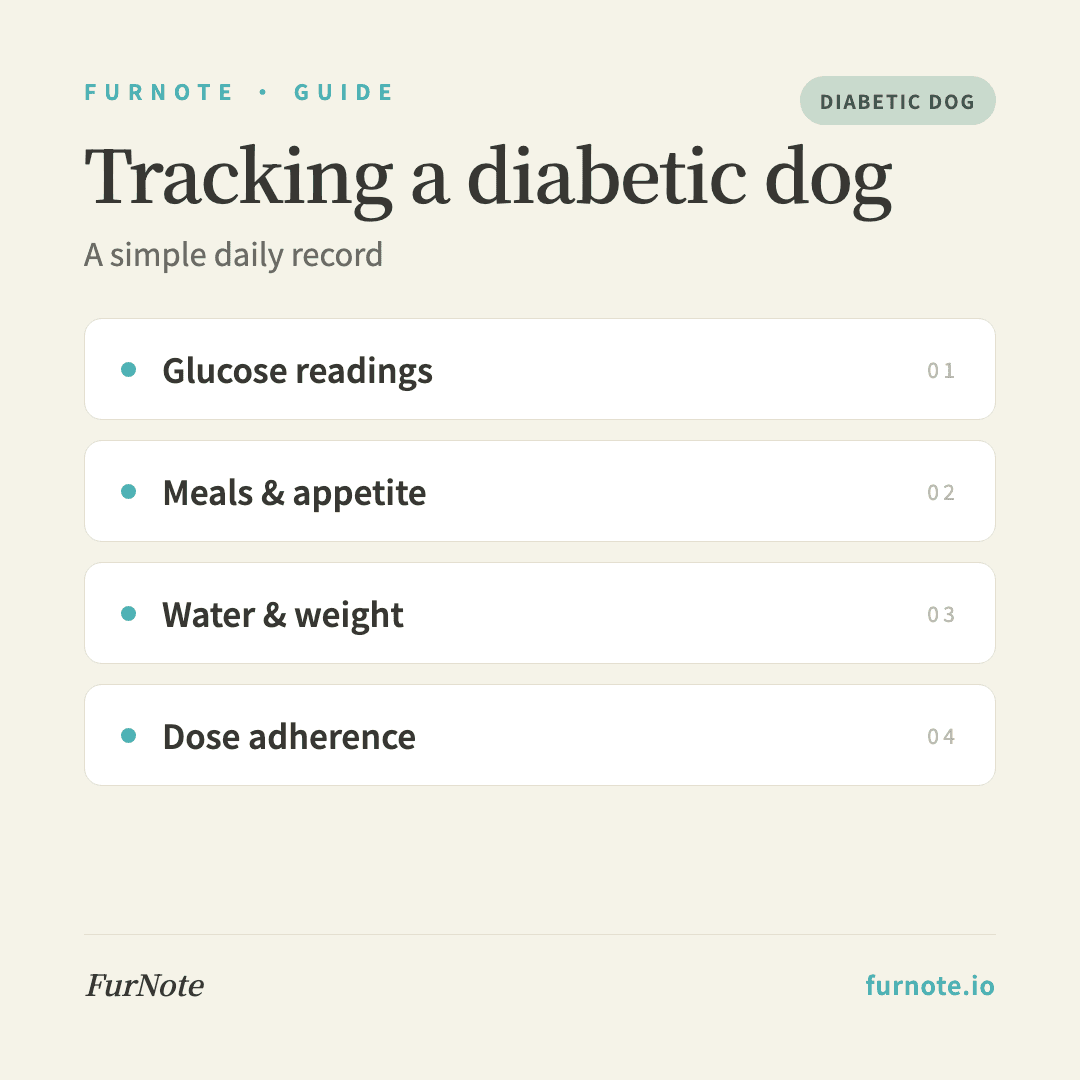
FurNote is a record-keeping tool, not veterinary advice — the insulin, dose and targets are set by your vet. Diabetic dogs do best on a steady routine, and a clear daily record helps your vet fine-tune it between visits. The signals worth logging are: home glucose readings (if your vet asks you to take them), meals and appetite, water intake, weight, and whether each prescribed dose was given on time. Here's how to capture each in FurNote.
How To
Track it with FurNote, step by step
STEP 01
Keep glucose readings together
If your vet has you check glucose at home, record each reading with its time in the notes of a care record (or the diagnosis field of a vet visit). Exported as a timeline, it helps your vet see the pattern. The testing method and target range are your vet's to set and interpret.
STEP 02
Log meals on a consistent schedule
Insulin and feeding are timed together in most plans, so record each meal in Records → Diet with the amount and how much was eaten. A skipped or half-eaten meal is worth noting, since it's the kind of thing your vet will want to know at the next check.
STEP 03
Track water intake
Heavy drinking and urination are classic signs owners keep an eye on. Log water in the diet record each day so the total forms a trend. A clear, sustained change is a reason to talk to your vet, not to adjust anything yourself.
STEP 04
Weigh regularly and watch the trend
Add a weight record on a regular schedule; the dashboard flags a drop over 5% or a rise over 10% versus 30 days ago. Bring the exported trend to rechecks so weight is part of the picture your vet sees.
STEP 05
Record dose adherence
Set the prescribed schedule under the Medications tab and mark each injection as given. The record then shows whether doses were on time — and with family sharing, who gave which one. FurNote tracks that they happened; the dose is between you and your vet.
STEP 06
Note symptoms and act fast on low blood sugar
Weakness, trembling, unsteadiness, or collapse can signal low blood sugar and need immediate veterinary care. Contact your vet or an emergency clinic straight away; afterward, record what happened and when in a symptom entry so it's documented for follow-up.
FAQ
Frequently asked
- Does FurNote have a dedicated glucose tracker?
- Not a separate field, no. Owners typically log readings in the notes of a care record or a vet-visit entry, always with the time, then export them as a timeline. Frequency and interpretation are your vet's domain.
- How do I stop a dose being missed or doubled?
- Set the medication schedule so you're reminded and can mark each dose as given, and turn on family sharing (Pro) so everyone logs to the same record. The timestamped confirmations make it clear whether the injection has already happened.
- My dog vomited after eating and a dose is due. What now?
- Call your vet — feeding, vomiting and insulin timing interact, and the right step depends on your dog's plan, so it isn't something to decide from a guide. Log the vomiting and the meal in FurNote so you can tell your vet exactly what happened and when.
- What should I bring to a diabetes recheck?
- Export diet, care, weight and medication records since the last visit as a PDF. Seeing meals, water, weight and dose adherence alongside any glucose notes gives your vet a fuller basis for adjusting the plan.
- Can I tell from FurNote whether the diabetes is controlled?
- No. That assessment belongs to your vet, who weighs glucose data, weight, clinical signs and lab tests together. FurNote's role is to make the daily record easy to keep and easy to hand over.
Start tracking
Download FurNote and set up your pet's health record in a minute
Last updated: 2026-07-20